Segmenting IoT onto its own VLAN without breaking casting
The isolation is the easy part. mDNS is what defeats most people.
Putting smart devices on their own VLAN is straightforward until the television stops appearing on your phone. The reason is mDNS, which does not cross subnets by design — and the fix is a reflector with rules tight enough to be worth having.
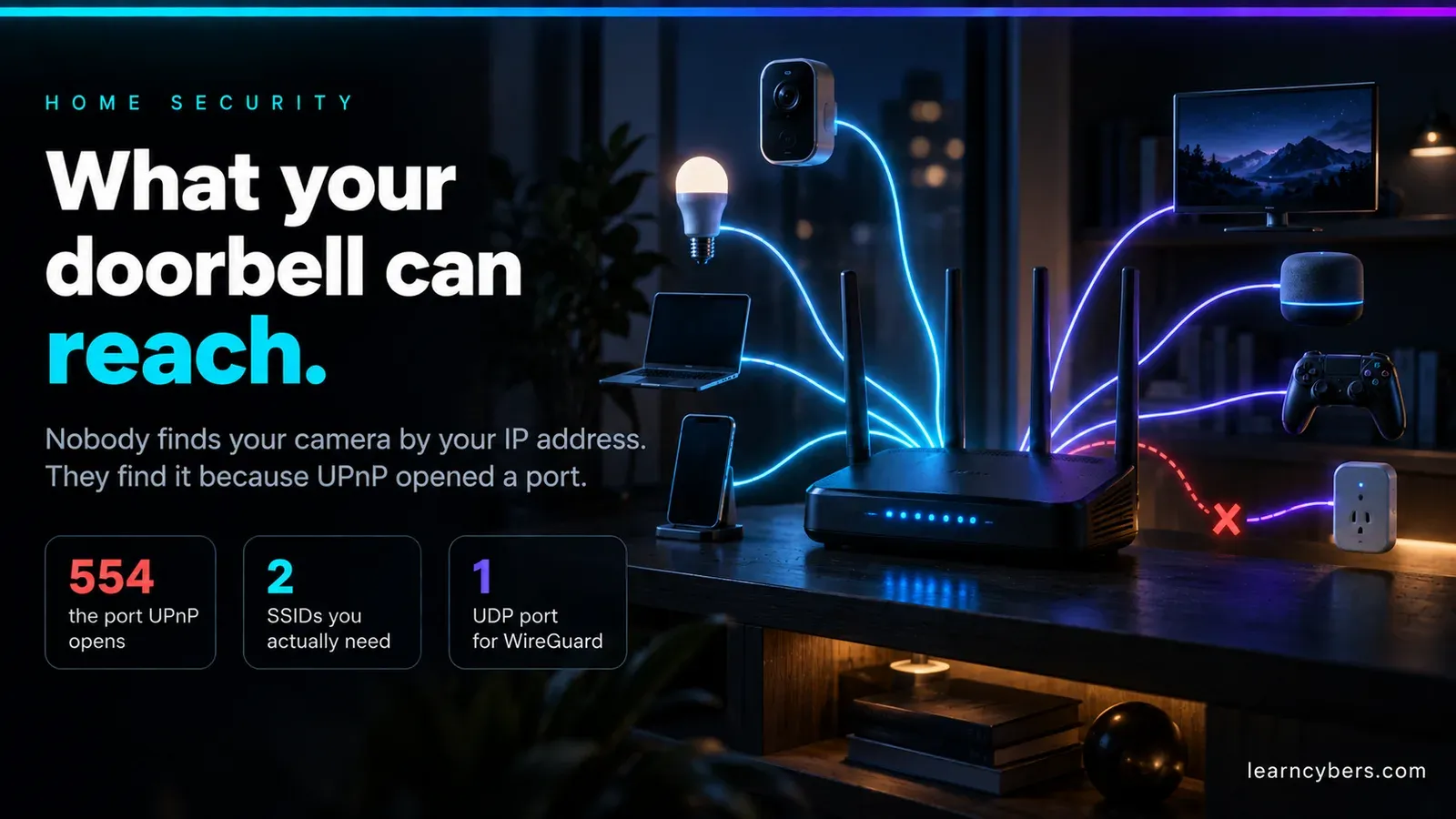
The argument for segmenting smart devices is simple. A cheap camera or plug runs firmware you cannot audit, often from a vendor that stopped shipping updates years ago, and it sits on the same flat network as your laptop and your network-attached storage. One compromised device on a flat network can see everything on it.
A VLAN fixes that. Then your phone cannot find the television, the printer disappears, and the speakers stop responding — and most people give up at that point and flatten the network again. This is about the part that actually causes trouble.
Why discovery breaks
Casting, AirPlay, printer discovery and most smart-home pairing use mDNS — multicast DNS, the protocol behind .local names. Devices announce themselves to a multicast group, and others listen.
Multicast is deliberately link-local. The packets carry a TTL of 1 and are not routed between subnets. That is not a limitation to work around casually; it is the design, and it is why mDNS does not leak across the internet.
So the moment your phone is on VLAN 10 and the television is on VLAN 20, the announcement never arrives. Nothing is misconfigured. The protocol is behaving exactly as specified.
A segmentation that is worth the trouble
Three networks cover most homes:
- Trusted — laptops, phones, NAS. Full access outward, reachable from nothing.
- IoT — everything with vendor firmware. Internet access if it needs it, no access to Trusted.
- Guest — isolated from both, internet only.
The rule that does the work is a single stateful one: Trusted may initiate connections to IoT; IoT may not initiate connections to Trusted. Because the firewall is stateful, replies to your connections flow back automatically. Your phone can reach the television; the television cannot reach your laptop.
That asymmetry is the entire security benefit, and it is worth keeping even after you add the exceptions below.
Bridging mDNS without undoing the isolation
An mDNS reflector (or repeater) listens on one VLAN and re-broadcasts announcements onto another. Most router platforms have one — Avahi on Linux-based systems, built-in options on the common home-router firmware.
Two things matter more than the configuration syntax:
Reflect only the interfaces that need it. Reflecting across every VLAN including Guest defeats the point of having a Guest network. Typically you want Trusted and IoT, and nothing else.
Reflection is discovery, not access. The reflector lets your phone learn the television's address. The actual connection still has to pass the firewall. If you reflect mDNS but leave Trusted-to-IoT blocked, discovery will appear to work and playback will fail — which is a confusing state to debug, so get the firewall rule in place first and test it with a direct IP connection before introducing the reflector.
A minimal Avahi configuration looks like this:
[server]
# only the two interfaces that need to see each other
allow-interfaces=br0.10,br0.20

[reflector]
enable-reflector=yes
# restrict to the services you actually use rather than everything
reflect-filters=_googlecast._tcp.local,_airplay._tcp.local,_raop._tcp.local,_ipp._tcp.local
Filtering by service is the difference between a reflector and a hole. Without it you are rebroadcasting every announcement any device makes, which includes a good deal of information you were trying to contain.
The specific things that still break
Chromecast and Google Home need more than discovery. The sending device and the target negotiate directly over several ports, and some setup flows reach a cloud service and back. If casting discovers but will not start, the usual cause is a blocked high port in the Trusted-to-IoT direction rather than anything to do with mDNS.
AirPlay is similarly layered — discovery over mDNS, then audio over its own ports. Reflecting _airplay._tcp without _raop._tcp gets you a device that appears and will not play.
Smart-home hubs that pair over Bluetooth or a proprietary radio are unaffected by any of this, because the pairing never touches your IP network. Worth remembering before spending an evening debugging the wrong layer.
Devices that hard-code a DNS server will ignore your resolver entirely. Some will refuse to work if that server is unreachable. If you block outbound DNS to force everything through your own resolver, expect a few devices to break, and decide per device whether you care.
Verifying the isolation actually holds
A segmentation you have not tested is a diagram. From a device on the IoT VLAN, confirm it cannot reach the trusted side:
# from an IoT-side host: this should fail or time out
nc -vz 192.168.10.5 445      # SMB on the NAS
nc -vz 192.168.10.1 22       # SSH on the router

# from the trusted side: this should succeed
nc -vz 192.168.20.40 8008    # the television
If you have no shell on an IoT device — which is usual — a laptop temporarily joined to the IoT SSID does the job and is the more realistic test anyway, because that is the position an attacker would be in.
Also check the reflector is not doing more than intended:
# watch what is actually being announced on each VLAN
avahi-browse -a -t
tcpdump -i br0.10 -n port 5353
Where this stops being worth it
Segmentation has an ongoing cost: every new device needs a decision about which network it belongs on, and every discovery problem now has one more possible cause. For a household with a handful of devices and no network-attached storage, a strong Wi-Fi password and current firmware may genuinely be the better use of the evening.
It becomes clearly worth it when there is something on the network worth reaching — a NAS with personal files, a home server, work equipment — or when the IoT population includes cameras and devices from vendors who have stopped shipping updates. The point is not that the devices are malicious; it is that you have no way to know when one of them stops being trustworthy, and segmentation means that event is contained.